
Disclosure: This guide has affiliate links — if you buy through one (we link to Amazon) we may earn a small commission at no extra cost to you. Our picks are our own. Full disclosure.
Buying a smart ring is the one wearable purchase where you can do everything right and still end up with a device that reads badly — because you ordered the wrong size. The short version: don't measure a smart ring the way you'd measure a wedding band. A health ring has to sit snug so the sensors stay pressed against your skin, the size you need usually differs from your jewelry size and from one brand to the next, and the only reliable way to get it right is a free sizing kit you wear for a full 24 hours before you order. Guess from an online chart and you'll likely end up with a finger-gap, flaky readings and a return. Below is how to find your ring size at home, which finger to wear it on, and the brand-specific traps worth knowing — including why the best subscription-free smart rings all ship a sizing kit before they ship the ring.
- Sizing kit, not a chart: order the free plastic sizing kit first, wear the right size for 24 hours including sleep, then order the real ring. It's the single biggest mis-order fix.
- Snug, not tight: the sensors need skin contact, so a smart ring fits closer than jewelry. A visible gap on the top of your finger = bad data; pain or a white mark = too tight.
- Sizes aren't universal: smart-ring sizing differs from jewelry sizing and between brands — and even RingConn's own Gen 3 sizes differently from the Gen 2.
- Index finger first: most brands recommend the index finger for the strongest, steadiest sensor signal; middle finger is the usual comfort backup.
How do you find your smart ring size?
Order the brand's free sizing kit, wear the size that fits for a full day and night, then order that size. That's the whole answer, and it's worth resisting the urge to skip it. Every serious smart-ring brand — RingConn, Oura, Samsung, Ultrahuman — ships a kit of plastic dummy rings precisely because their sizing is non-standard and a printed chart isn't accurate enough for a sensor device. The kit costs you nothing but a few days' wait, and it's the difference between one order and three.
Here's the process step by step:
- Request the free sizing kit when you're choosing the ring. With RingConn you select "Order a Free Sizing Kit," and it arrives in roughly 3–8 days, before you commit to a colour or model.
- Try the dummy sizes on the finger you actually plan to wear the ring on (more on which finger below). The right size feels secure and slightly snug — not loose, not painful.
- Wear it for at least 24 hours, sleep included. Your fingers swell and shrink through the day — bigger when you're warm or after exercise, smaller when you're cold or first thing in the morning. A full day-and-night cycle is the only way to catch a size that fits at 9am but pinches at 9pm.
- Do the snug-not-tight test. Make a fist: there should be no visible gap between the sizer and the top of your finger. Open your hand and it should feel comfortable and slide off with mild effort — not spin freely, and not need soap to remove.
- Submit that size through the brand's app or account, then your actual ring ships in the size you confirmed. With RingConn you submit it in your account's "My Orders" section.
Light surface marks on your finger after a day are fine and normal. Throbbing, a white indentation, or any tingling means go one size up.
How to measure ring size at home (if you can't wait for a kit)
You should still use the sizing kit before you buy — but if you want a rough number first, or you're cross-checking, here's how to measure your ring size at home. Treat this as a starting point, not a final answer.
- The string-or-paper method. Wrap a thin strip of paper or a piece of string snugly around the base of the finger you'll wear the ring on. Mark where it overlaps, lay it flat, and measure the length in millimetres. That length is your finger's circumference.
- Convert to a ring size. Match the millimetre circumference to a standard ring-size chart (US sizes typically run from about 44 mm circumference at size 3 up to ~70 mm at size 13). Most smart-ring brands map their sizes to US ring sizes.
- Measure at the right time. Do it at the end of the day when your hands are warm and at their largest, not first thing in the morning — you want the ring to still fit when your finger is at its biggest.
- Measure twice. Take the reading two or three times and use the largest consistent result. If you land between two sizes, size up — a fraction loose beats too tight on a device you wear 24/7.
The honest caveat: home measuring gets you in the neighbourhood, but smart rings are thicker than jewelry bands and the brands' sizes don't line up perfectly with standard charts. The string method is a sanity check. The kit is the answer.
Why is smart ring sizing different from jewelry sizing?
Two reasons, and they're the heart of why people get this wrong.
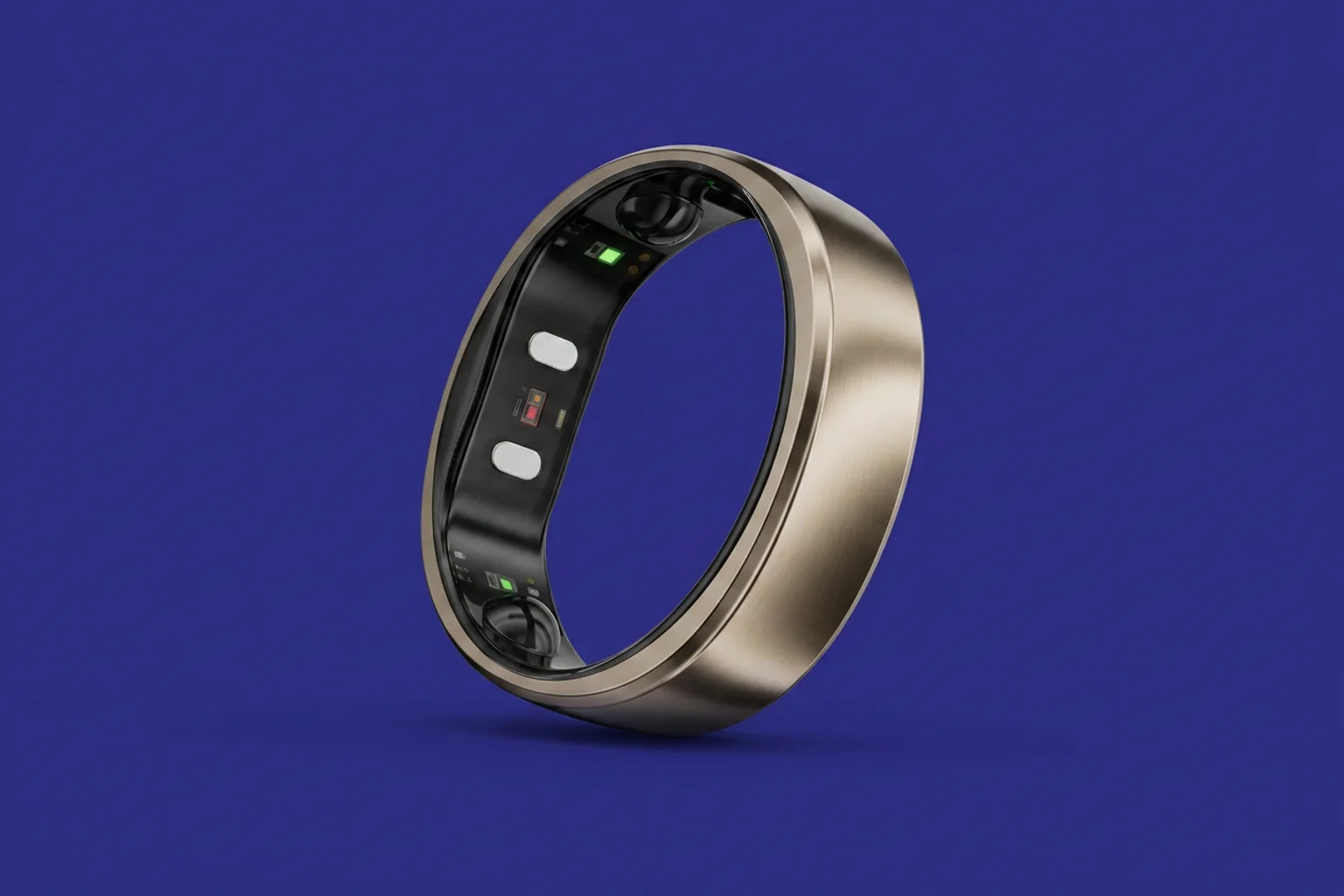
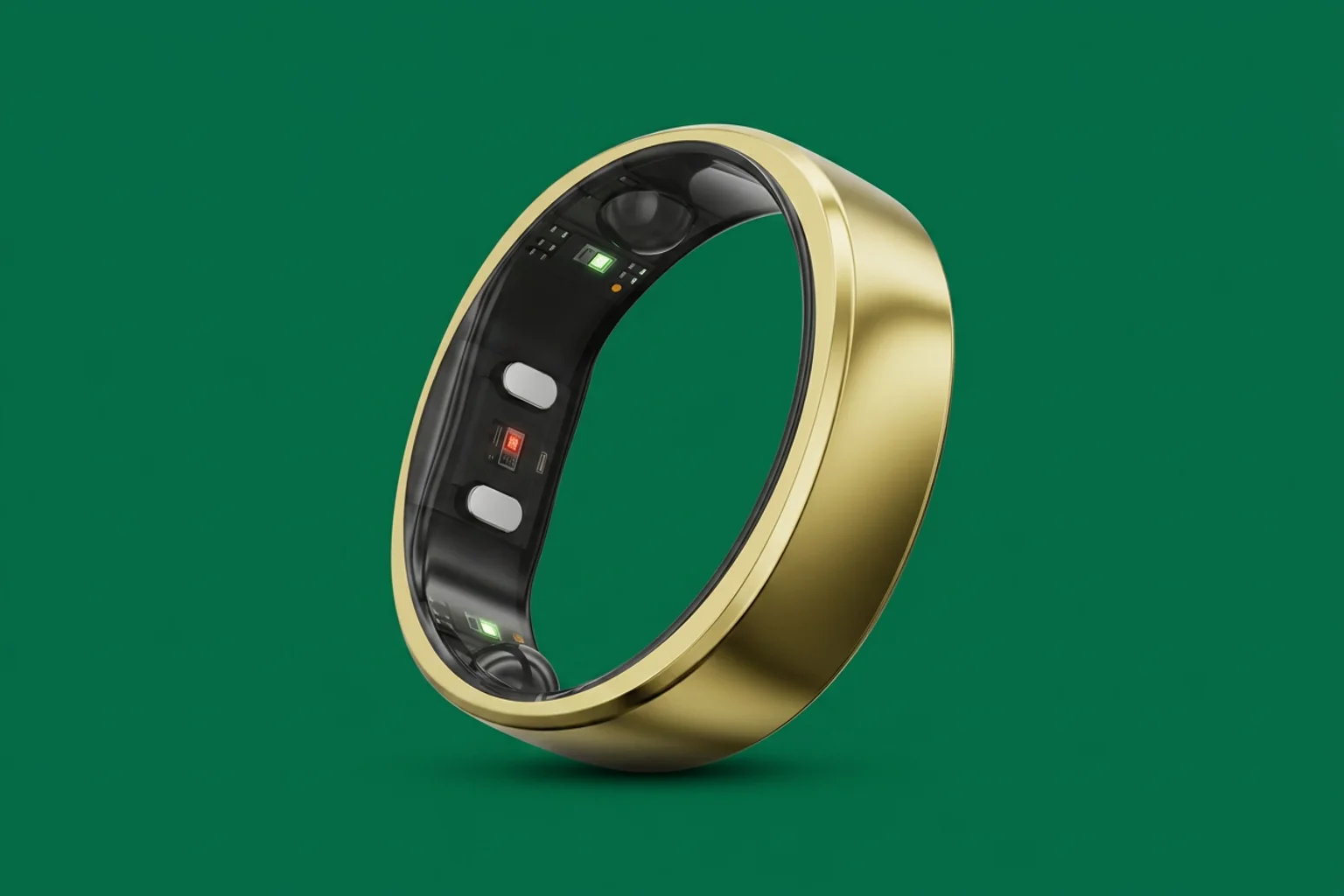
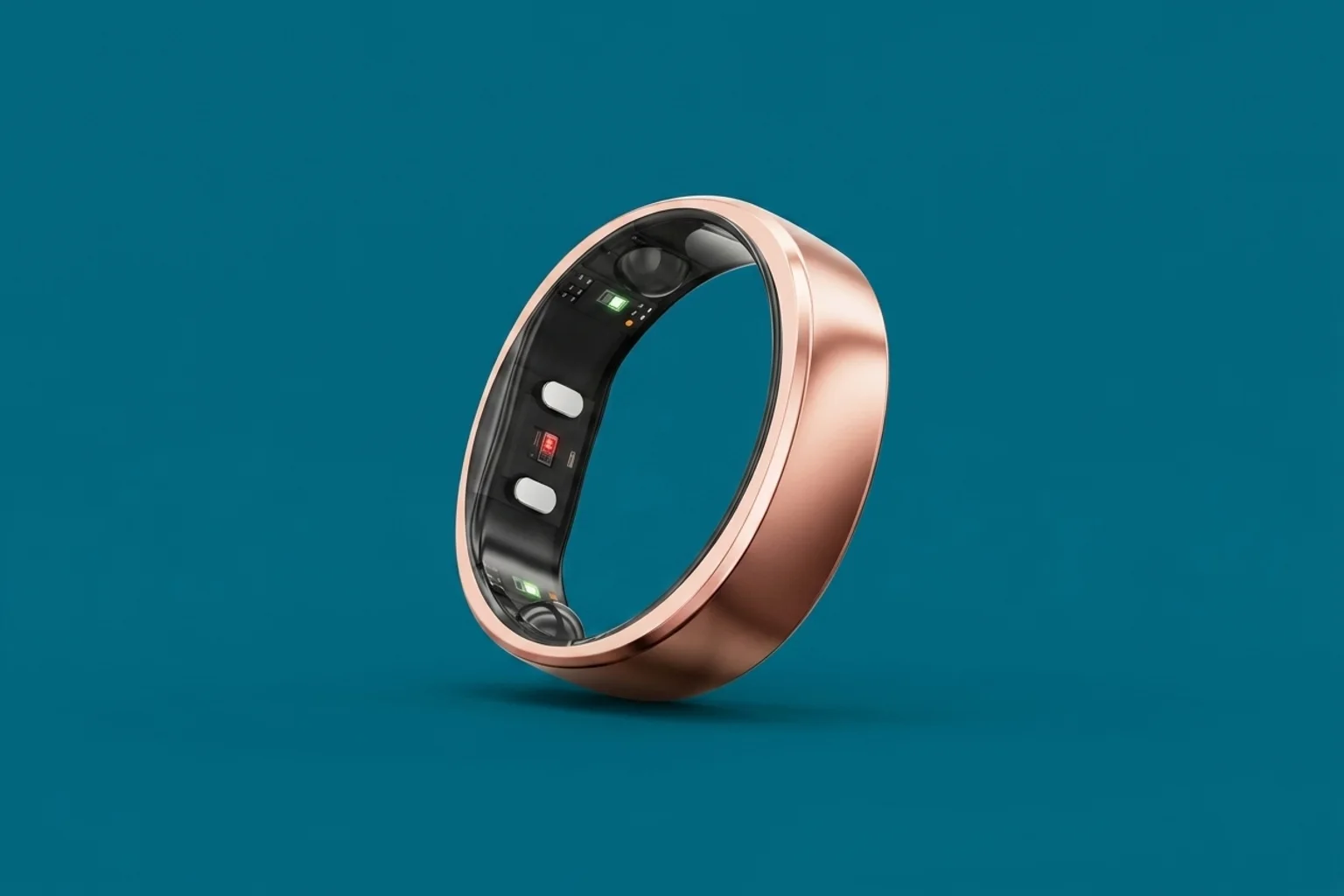
First, the sensors need contact. A smart ring works by shining light into the skin on the underside of your finger and reading what bounces back — that's how it tracks heart rate, sleep and blood oxygen. If there's a gap between the ring and your skin, ambient light leaks in and the signal gets noisy, so your data degrades. A jewelry ring can spin a little and you'd never care; a smart ring that spins or sits loose gives you worse numbers. That's why the fit target is "snug, not tight" rather than the slightly-loose comfort most people prefer in a wedding band.
Second, the ring is physically different. Smart rings are wider and chunkier than a typical band because they pack a battery and sensors inside, so the size that slides over your knuckle comfortably isn't always the size that feels right once it's on. Many brands — RingConn included — use a slightly flattened (oblate) inner shape to keep the sensor oriented correctly, which is also why the printed jewelry size you've worn for years may not be the smart-ring size you order.
Do all smart rings use the same sizes?
No — and this trips people up. Smart-ring sizing isn't universal across brands, and it can even vary between models from the same brand. A size 9 in one brand's kit is not guaranteed to be a size 9 in another's, which is exactly why each brand insists you use their kit rather than reusing an old measurement.
RingConn is the clearest example of the within-brand wrinkle. Its Gen 2 and Gen 2 Air share interchangeable sizing — measure once, and the size carries across those two models. But the newer Gen 3 sizes differently, and RingConn explicitly recommends using a Gen 3 sizing kit rather than assuming your Gen 2 size will carry over. So if you're upgrading from an older RingConn, don't reuse your number — re-measure with the kit for the model you're actually buying. Across all three, RingConn ships the sizing kit free, which removes the main reason people skip this step.
What finger should you wear a smart ring on?
The index finger is the standard recommendation from most brands, RingConn and Oura included, because the arteries there sit close to the skin and give the steadiest sensor signal. The index finger is also usually thick enough to seat the ring without an awkward gap. If the index finger isn't comfortable, the middle finger is the usual backup, and RingConn explicitly suggests it for comfort.
A few practical notes:
- Pick your finger before you size. Different fingers are different sizes, so decide where the ring will live, then size for that finger. Don't size your index and wear it on your ring finger.
- Match the hand to your habits. Some people prefer their non-dominant hand so the ring takes fewer knocks; the brands generally don't mandate a hand, so go with what stays put and comfortable.
- Orient the sensor. The sensor (the slightly raised inner section) should sit against the palm-side pad of your finger, not the back of your hand. The app walks you through this on setup.
The finger-gap trap (and how to avoid it)
This is the failure mode worth naming, because it's the most common smart-ring sizing complaint. Knuckles are wider than the base of your finger, so a ring that slides over your knuckle easily can leave a visible gap once it settles at the base. That gap is comfortable — and it ruins your readings, because the sensor isn't pressed to the skin. People then assume the ring is inaccurate, when really it's mis-sized.
The 24-hour kit test catches this if you do the fist check: make a fist, and if you can see daylight between the sizer and the top of your finger, the ring is too big for that finger even though it went on fine. The fix is to size for the snuggest fit that still slides over the knuckle with mild effort — or to move to a finger where the knuckle and base are closer in width. It's the single reason "order the kit and actually wear it overnight" is worth repeating.
If you've measured carefully and you want a subscription-free ring to put that size to work, the RingConn Gen 2 is the volume pick — a ~2g ring with a 10–12 day battery, no monthly fee, and a free sizing kit in the box. We go deep on it in our RingConn Gen 2 review.
Check price on Amazon →Frequently asked questions
How do I know what size smart ring I need?
Order the brand's free sizing kit, try the plastic dummy rings on the finger you'll actually wear the device on, and wear the best-fitting size for at least 24 hours — including overnight — before you commit. The right size feels secure and slightly snug, leaves no visible gap when you make a fist, and slides off with mild effort. Then submit that size through the brand's app or account and the real ring ships to match. A printed chart or a guess from your jewelry size is the main reason people end up returning a ring.
How do I measure my ring size at home?
Wrap a thin strip of paper or string snugly around the base of your chosen finger, mark where it overlaps, and measure that length in millimetres — that's your finger's circumference, which you match to a standard ring-size chart. Measure at the end of the day when your hands are warm and largest, do it two or three times, and if you're between sizes, round up. Treat this as a starting estimate only: smart rings are thicker than jewelry and don't map perfectly to standard charts, so still use the brand's sizing kit before you buy.
What finger should you wear a smart ring on?
The index finger is the most common recommendation, including from RingConn and Oura, because its arteries sit close to the skin and give the steadiest sensor reading, and it's usually wide enough to seat the ring without a gap. The middle finger is the standard comfort backup. Whichever you pick, decide before you size — fingers vary in size, so measure for the exact finger the ring will live on, and orient the sensor against the palm-side pad of your finger when you put it on.
Why does a smart ring need to fit so snug?
Because the optical sensors only work when they stay pressed against the skin on the underside of your finger. A loose ring spins or lifts away, letting ambient light interfere with the signal, and your heart-rate, sleep and blood-oxygen data get noisier. A jewelry ring can sit a touch loose with no downside; a smart ring can't. The target is "snug, not tight" — no gap when you make a fist, but no pain, white marks or tingling either.
Do all smart rings use the same sizing?
No. Sizing varies between brands, so a size from one brand's kit doesn't reliably transfer to another's — always use the kit for the ring you're actually buying. It can even vary within a brand: RingConn's Gen 2 and Gen 2 Air share sizing, but the Gen 3 sizes differently and RingConn recommends a dedicated Gen 3 sizing kit. If you're upgrading, re-measure rather than reusing your old size.
What happens if my smart ring is the wrong size?
Too loose and you get the finger-gap problem: the sensor lifts off the skin, readings turn unreliable, and the ring may spin or slip off. Too tight and it's uncomfortable, can leave a white mark or restrict circulation, and gets hard to remove when your finger swells. Most brands offer a return window if you've already ordered, but the cheaper fix is to do the 24-hour kit test first. RingConn, for example, includes a free sizing kit and a 14-day return policy, so getting the size right up front costs you nothing but a few days' wait.
Bottom line: a smart ring is a sensor strapped to your finger, and sensors need contact — so sizing it like jewelry is the one mistake that quietly wrecks your data. Order the free kit, wear it for a full day and night, do the fist test, and pick your finger before you measure. Get those four things right and you'll order once. And because brands (and even models) don't share sizes, re-measure every time you switch — especially jumping to RingConn's Gen 3.